Leaving HubSpot: Cost-Effective Setup with Webflow & Notion
Leaving HubSpot wasn’t about the tool. It was about finding something lighter and faster for a solopreneur. Webflow, Notion, and Mailchimp give me a simpler, more cost-effective setup so I can focus on building Finluency instead of fighting a complex marketing stack.


Business decisions are tough yet pliable!
As a bootstrapping solopreneur, every tool I choose must be cost-effective and efficient, especially for a high-touch process like marketing. After all, large companies devote entire departments to messaging and reach, so it is essential to achieve similar results on a much tighter budget and time frame.
I figured HubSpot met the two criteria: cost-effective and efficient. So, I chose it over other options a little over a year ago, after running my first alpha test with a group of 10 friends and preparing for a random 100-person beta test. I figured it offered the best features for the right initial price, free, to start building an email list.
Why I Initially Chose HubSpot
- Familiarity (I have explored HubSpot a handful of times over several years)
- Email Marketing Features
- Front-End Website Platform
- Marketing Asset Management
- Social-Advertisement Integration
- Big Marketing Team Feel
- Offers a Free Tier
I reactivated my HubSpot account and went to work. I quickly found that it had everything I needed except the most important thing — simplicity. Don't get me wrong, it is not an unlearnable system; it is very well put together. It just takes time to master, and as a solopreneur, time is very limited. If I had the resources to hire a HubSpot expert and a design team, I would most likely use it for my marketing platform.
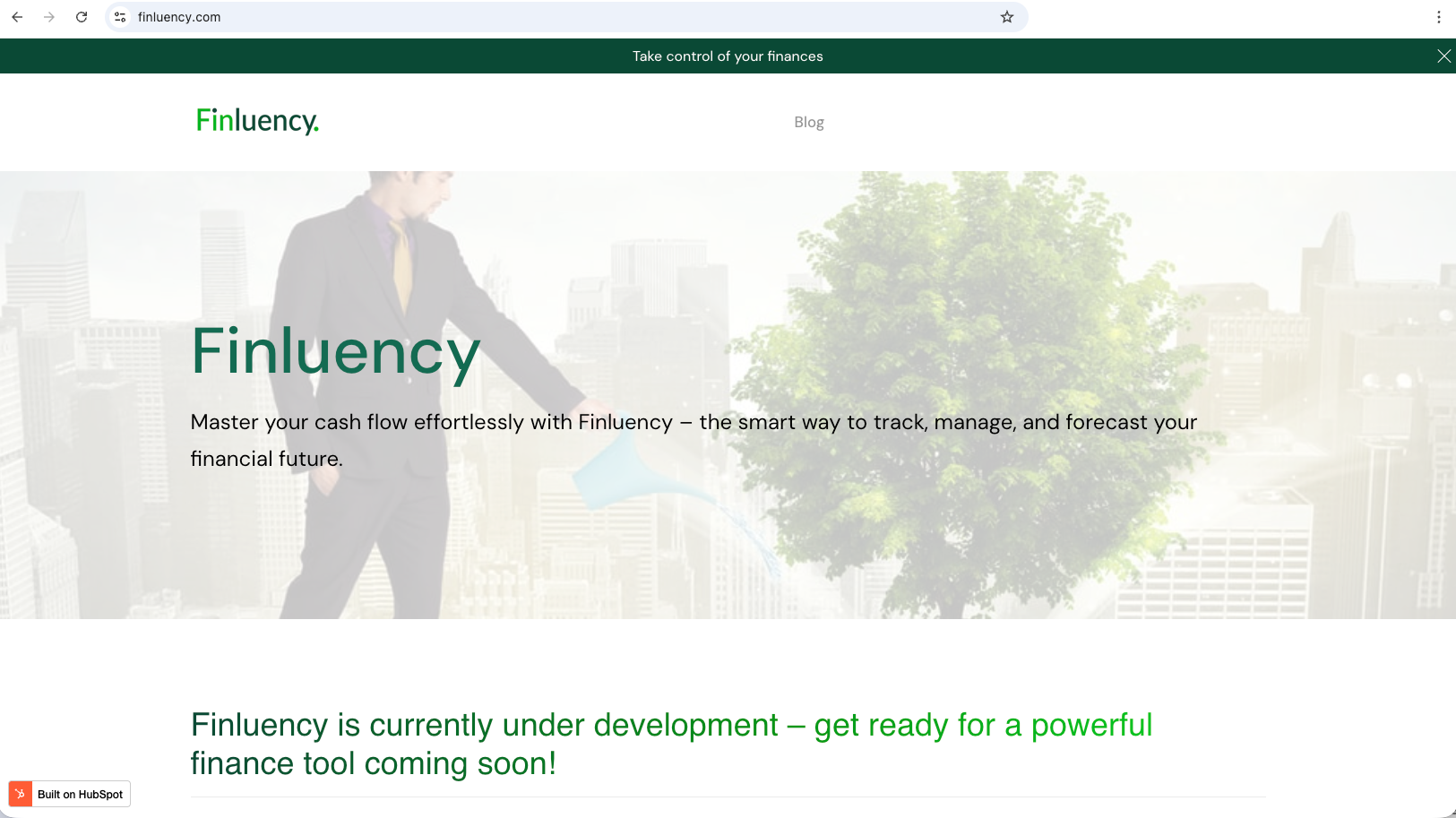
For example, the homepage took me a few weeks to create after watching several tutorials, and I never achieved a look and feel I appreciated. It was frustrating.
Granted, with the proper design and development resources or with more time, I know I could have created the look I wanted; however, as a bootstrapping solopreneur, I neither have the time nor the resources to devote significant attention to a front-end marketing site. All I want to do is build Finluency.
With that said, I am not lost to the understanding that a product has to be introduced to an audience.
So, what is the solution?
The Alternatives to HubSpot for Finluency
After sitting down with my director of marketing, i.e., an AI agent, and discussing this matter, we determined HubSpot was too much tool for Finluency's current marketing state and that we needed to find lighter-weight and easier-to-use options.
To help figure out the options, I provided the agent with the following requirements:
- One Page Landing Page
- Email / Contact Collection
- A Blogging Platform
- A Help Center with Video Support
The agent suggested I use Webflow for the one-page website and blog, Mailchimp for email marketing, and Notion for the help center. Out of curiosity, I asked why it suggested Notion for the help center instead of using Webflow's CMS feature, like we will be using for the blog. It pointed out that Notion's simplicity is more suitable for documents that will be revised several time,s while Finluency matures. After briefly testing both, I agree with this approach.
Suggested Applications to Replace HubSpot
- Webflow for one-page website and blog
- Notion for help center
- Mailchimp for email marketing
Will these options meet the criteria?
Are Notion and Webflow Efficient?
I have to admit that I immediately jumped into these options without checking whether they met the cost-effective criteria. I was so frustrated working with HubSpot that I was mainly concerned with how easy Webflow and Notion are to use.
I am not concerned with Mailchimp. I have used it on other projects for a long time, so I am very familiar with how it works.
How easy is Notion to use?
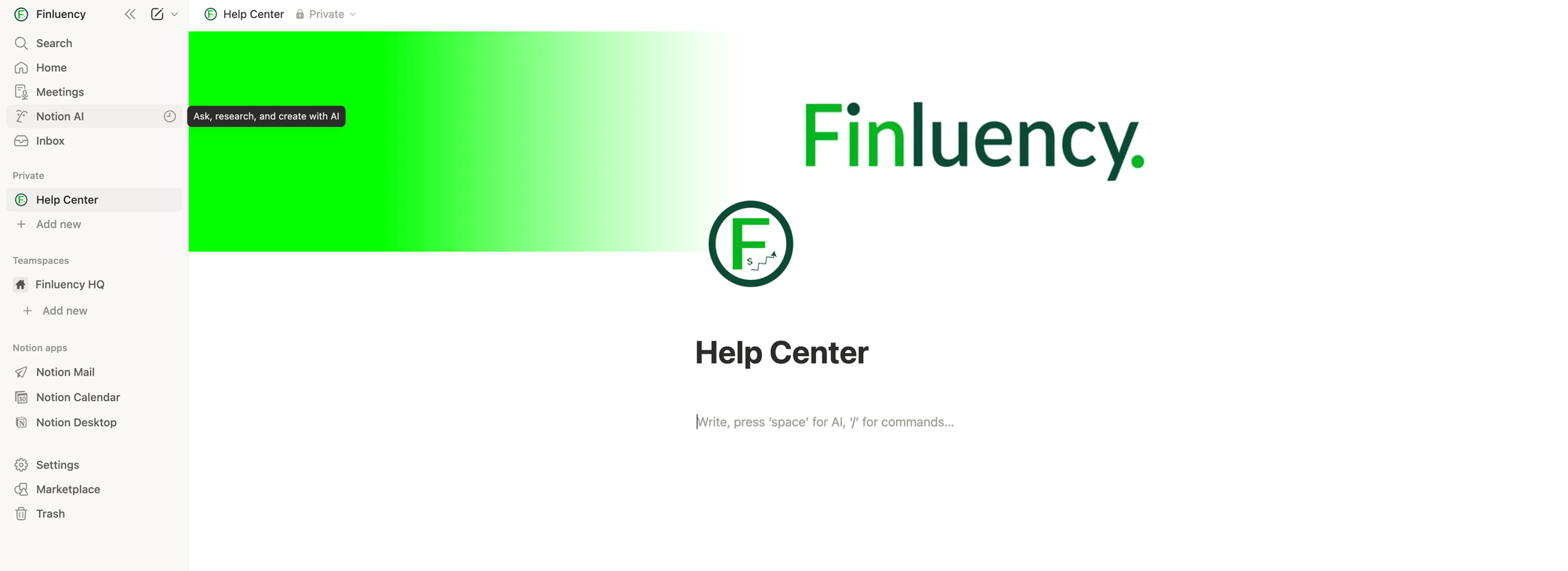
I quickly skimmed through their documentation and opened accounts immediately with a bit of hesitancy about learning another tool. At first, I thought the hesitancy was well warranted after struggling, but it faded fast as I worked through Notion's tutorial.
Within an hour, I was able to put together a home page concept for the help center, and with how easy it is to layer in pages and elements, Notion definitely meets the efficiency criteria.
Even though Notion is simple to use, I do have concerns with the ability to search and organize help documents from a site visitor's perspective. With this in mind, I am targeting Mintlify as a backup plan for the help center.
Is Webflow simple to use?
Where Notion excels at intuitive use, Webflow has a steeper learning curve. The user interface is complicated, but it makes sense if you have experience with web development, especially HTML and CSS.
Fortunately, I do.
Also, the interface is very Adobe or Figma-like, and I have used both tools in the past, so Webflow's UI was familiar to me.
I imagine the tool is very intimidating without these experiences, though.
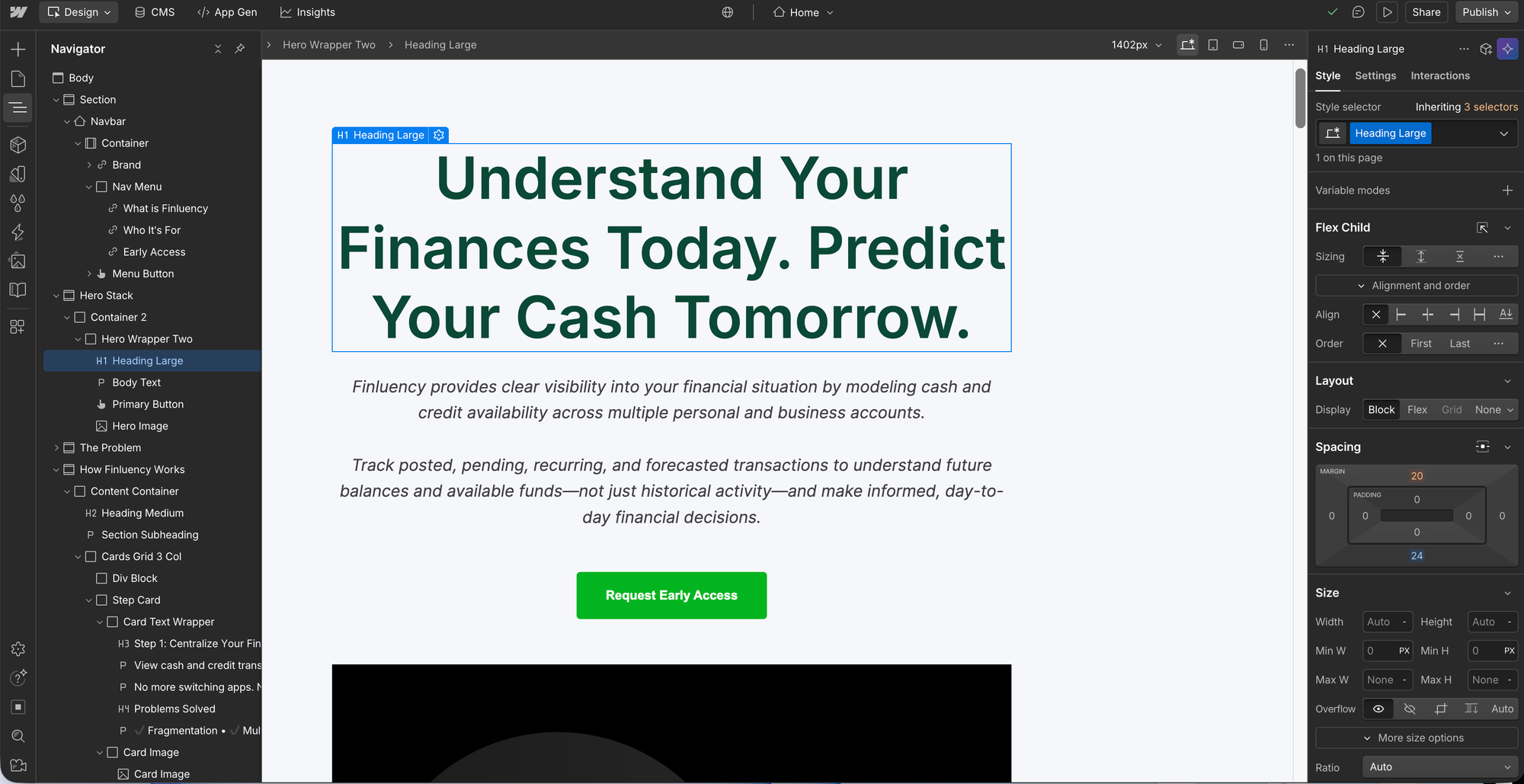
Efficiency, on the other hand, was concerning. After spending several minutes lying in a navbar, I felt there was no difference between configuring a template in HubSpot and designing a page in Webflow. Yes, Webflow's controls are easier to understand than HubSpot's, but I felt I was going to spend way more time than I wanted designing a marketing page until I stumbled on a game-changing feature.
Webflow provides an MCP server that can be utilized in conjunction with an AI agent to design web pages. I no longer have to adjust CSS settings. All I need to do is tell Claude what I want done, and it handles all the tedious work.
Webflow's MCP for the efficiency win!!
In my rush to get away from HubSpot, I jumped right into Notion and Webflow and found that they are way easier to manage than HubSpot, but are they cost-effective?
Are Webflow, Notion, and Mailchimp Cost-Effective?
If you want to spend several hours in confusion, analyze an extensive SaaS application's pricing plan.
Disappointingly, Webflow's pricing is as intuitive as its user interface! I am still confused about whether I need to purchase a Workspace Plan along with a Site Plan when setting up a blog, so I created two pricing tables, one without the Workspace Plan and one with it.
I broke the pricing plan into five stages, from development to fully functional. I imagine only a few months at most will be spent at each stage. I plan to purchase annual plans where possible to save money.
Cost Analysis without Webflow's Workspace Plan
| Stage | Service Breakdown | Monthly | Annual |
|---|---|---|---|
| Stage 1 — Development |
Webflow (No Domain): $0 Notion Free: $0 Mailchimp Free: $0 |
$0 | $0 |
| Stage 2 — Published (No Blog) |
Webflow Custom Domain: $14 Notion Free: $0 Mailchimp Free: $0 |
$14 | $168 |
| Stage 3 — Published (With Blog) |
Webflow CMS Blog: $23 Notion Free: $0 Mailchimp Free: $0 |
$23 | $276 |
| Stage 4 — Email Upgrade (Essentials) |
Webflow CMS Blog: $23 Mailchimp Essentials: $13 Mintlify Free: $0 |
$36 | $432 |
| Stage 5 — Full Setup (Standard) |
Webflow CMS Blog: $23 Mailchimp Standard: $20 Mintlify Free: $0 |
$43 | $516 |
Cost Analysis with Webflow's Workspace Plan
| Stage | Service Breakdown | Monthly | Annual |
|---|---|---|---|
| Stage 1 — Development |
Webflow (No Domain): $0 Notion Free: $0 Mailchimp Free: $0 Mintlify Free: $0 |
$0 | $0 |
| Stage 2 — Published (No Blog) |
Webflow Custom Domain: $14 Notion Free: $0 Mailchimp Free: $0 Mintlify Free: $0 |
$14 | $168 |
| Stage 3 — Published (Blog + Workspace) |
Webflow CMS Blog: $23 Webflow Workspace Core: $19 Mailchimp Free: $0 Notion Free: $0 Mintlify Free: $0 |
$42 | $504 |
| Stage 4 — Email Upgrade (Essentials) |
Webflow CMS Blog: $23 Webflow Workspace Core: $19 Mailchimp Essentials: $13 Mintlify Free: $0 |
$55 | $660 |
| Stage 5 — Full Setup (Standard) |
Webflow CMS Blog: $23 Webflow Workspace Core: $19 Mailchimp Standard: $20 Mintlify Free: $0 |
$62 | $744 |
I am going to assume that purchasing the Webflow Workspace plan is necessary, so the all-in cost for a fully functional, branded site with a very sufficient email marketing platform will be $744/year.
Is that cost-effective for bootstrapping?
I am used to working on free tiers, so the annual cost seems high to me, especially when I quickly compare it to HubSpot's individual & small teams plans. HubSpot pricing, however, is more confusing than Webflow's. The feature set is ambiguous, and pricing jumps quickly from $9/month per user to $800/month.
It would be tempting to stay with HubSpot; however, considering efficiency, the difference in pricing between HubSpot and a multi-tool solution is easily made up in productivity with Webflow's MCP feature.
Fortunately, Finluency is built to help sole proprietors analyze the impact of purchasing decisions, business or personal, on overall future cash flow.
I will plug these numbers in to see if it puts me at risk, but I am more than likely making the transition away from HubSpot for now.